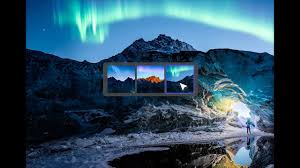
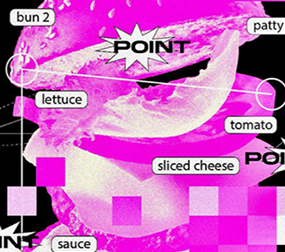
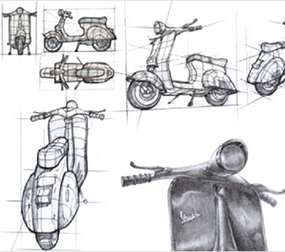
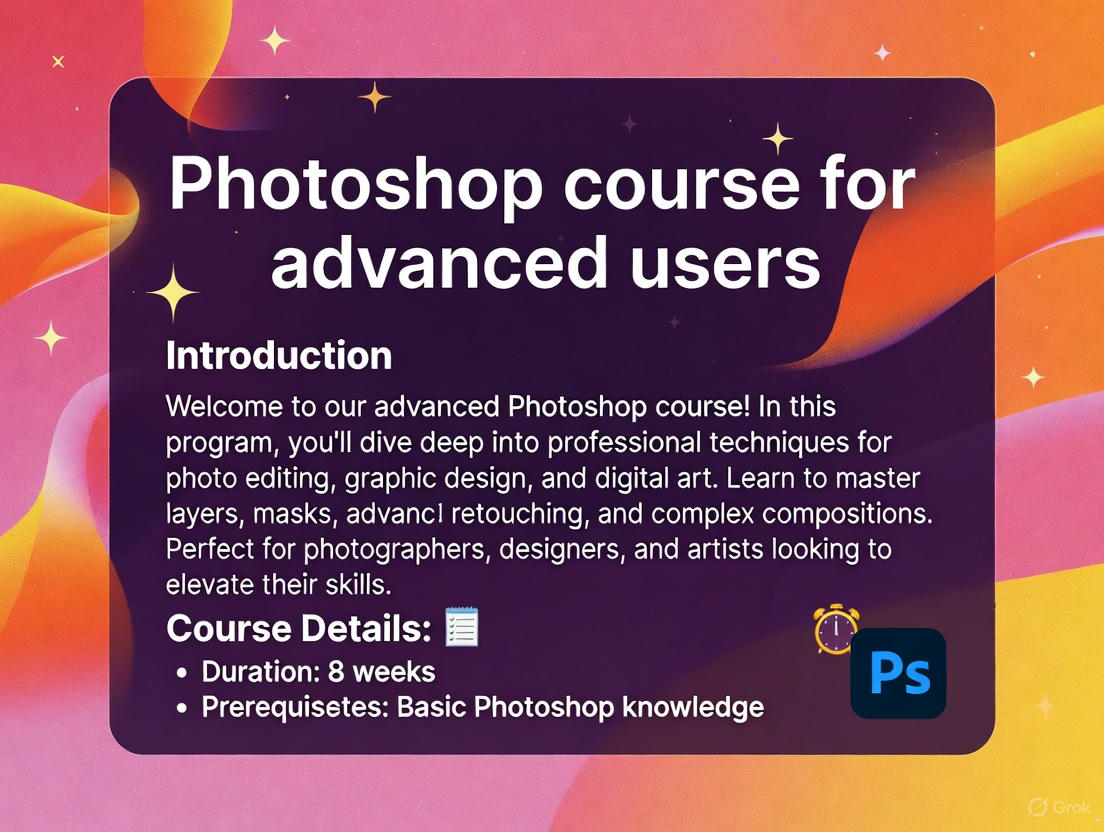
Photoshop 課程教學亮點 / Teaching Highlights for Photoshop Class
Master Essential Tools and Techniques: Learn to navigate Photoshop's interface, from basic selection tools to advanced layering and masking, enabling you to edit images like a pro.
掌握基本工具與技巧:學習導航 Photoshop 的介面,從基本的選擇工具到進階的圖層和遮罩,讓您像專業人士一樣編輯圖像。
Creative Photo Editing Skills: Dive into color correction, retouching, and compositing to transform ordinary photos into stunning visuals.
創意照片編輯技能:深入顏色校正、修飾和合成,將普通照片轉變成令人驚豔的視覺效果。
Graphic Design Fundamentals: Explore typography, shapes, and effects to create posters, logos, and digital art from scratch.
圖形設計基礎:探索字體、形狀和效果,從零開始創作海報、標誌和數位藝術。
Real-World Projects: Hands-on assignments like designing banners, social media graphics, and product mockups to build a portfolio.
真實世界專案:實作任務,如設計橫幅、社群媒體圖形和產品模型,以建立作品集。
Advanced Features Unlocked: Cover AI tools, filters, and automation scripts for efficient workflows in professional settings.
解鎖進階功能:涵蓋 AI 工具、濾鏡和自動化腳本,用於專業環境中的高效工作流程。
Beginner to Expert Progression: Tailored for all levels, with tips on best practices, shortcuts, and troubleshooting common issues.
從初學者到專家進階:適合所有水平,包含最佳實務提示、快捷鍵和常見問題排除。




.jpg)